GUIDE
Assetto Corsa for Beginners: First Steps Without the Frustration
Assetto Corsa can be overwhelming at first. This guide walks you from installation to your first online race, with all the settings and tips you need.
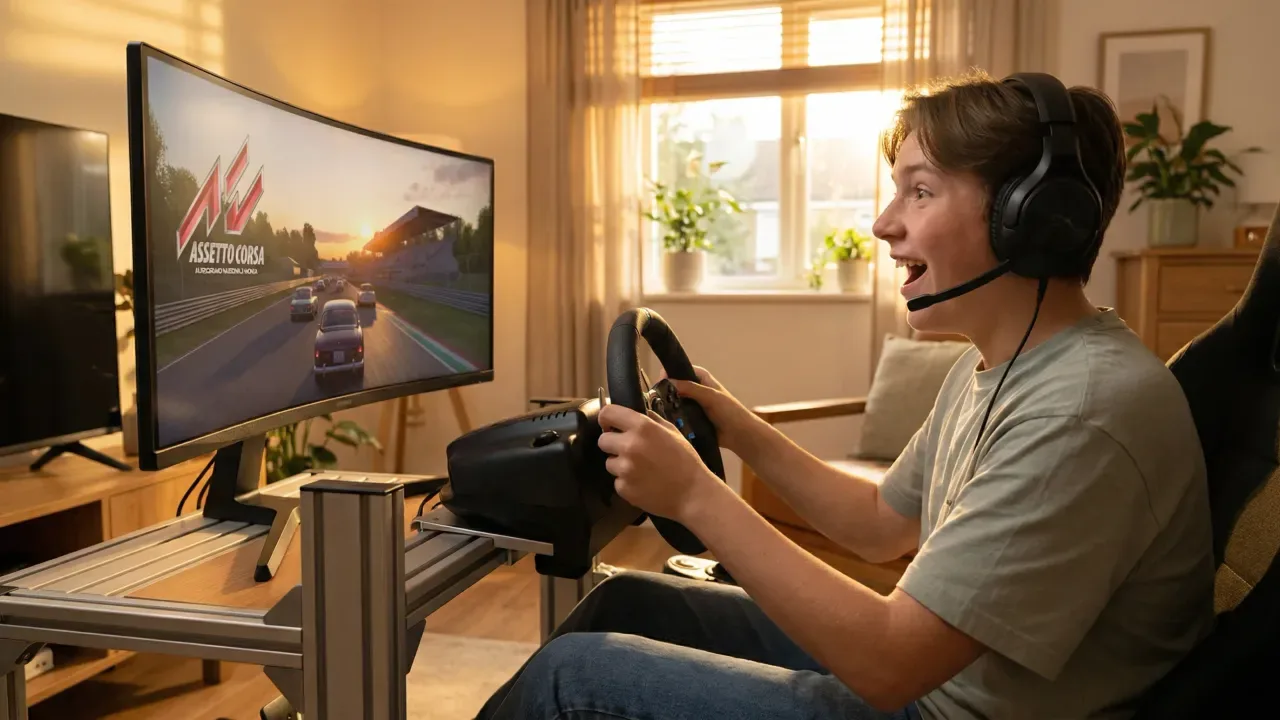
Assetto Corsa is one of the most respected driving simulators in the world, but also one of the most overwhelming for newcomers. Unlike other racing games, AC doesn't hold your hand — it assumes you know what you're doing. This guide is here to change that.
Initial setup: what to do before you hit the track
Before you head out on track, there are three settings that make the difference between a frustrating experience and an enjoyable one. First, calibrate your wheel properly in the controls settings. Second, adjust the Force Feedback (FFB) — too strong wears you out, too weak doesn't give you any information. Third, turn off the driving aids except ABS if you're a beginner.
Which car to start with
Assetto Corsa has more than 100 cars. To start, forget about Formula 1 cars and LMPs. The best cars to learn with are GT3s (BMW M6, Ferrari 488, Porsche 911 GT3) and touring/road cars (BMW M3 E30, Mazda MX-5). They're fast, exciting, and have enough margin for error to learn without getting frustrated.
Which track to start with
Don't start with the Nürburgring Nordschleife. It's the hardest track in the world, and learning on it is a recipe for frustration. The best tracks for beginners are Vallelunga (short, technical, no dangerous sections), Mugello (flowing, good braking references) and Brands Hatch (compact, great fun).
Your first 10 hours: what to work on
- Hours 1-3: Learn the layout without looking at the clock. Just complete clean laps.
- Hours 4-6: Start looking for the braking points. Use the trackside markers.
- Hours 7-8: Work on smoothness. A steady wheel is faster than one that's constantly correcting.
- Hours 9-10: Compare your times with an online reference. Identify where you lose the most time.
Essential mods to improve the experience
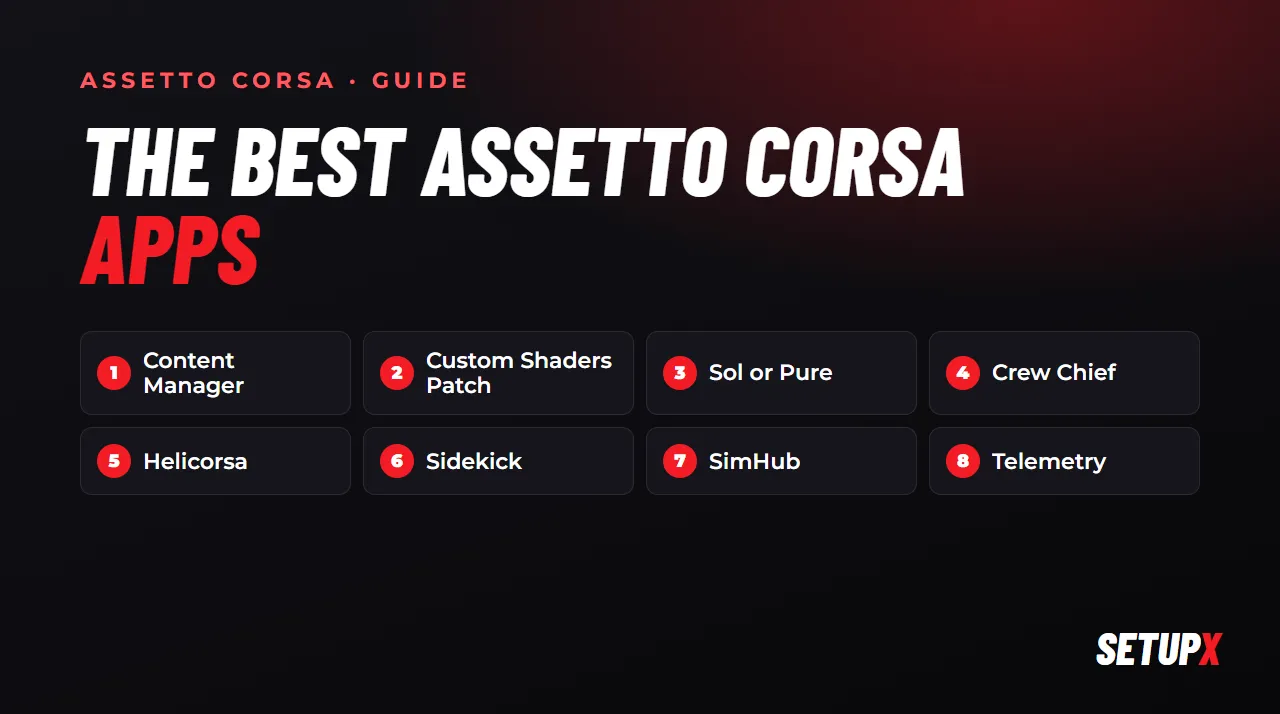
Assetto Corsa has a huge modding community. To start, install Content Manager (a much more convenient way to manage the game), Custom Shaders Patch (a significant graphics upgrade) and Sol (day/night cycle and weather conditions). These three mods transform the experience without adding complexity.
Assetto Corsa isn't a game you enjoy in the first few hours. It's a simulator you enjoy more the more time you put into it. The learning curve is the reward.
Sim racing community
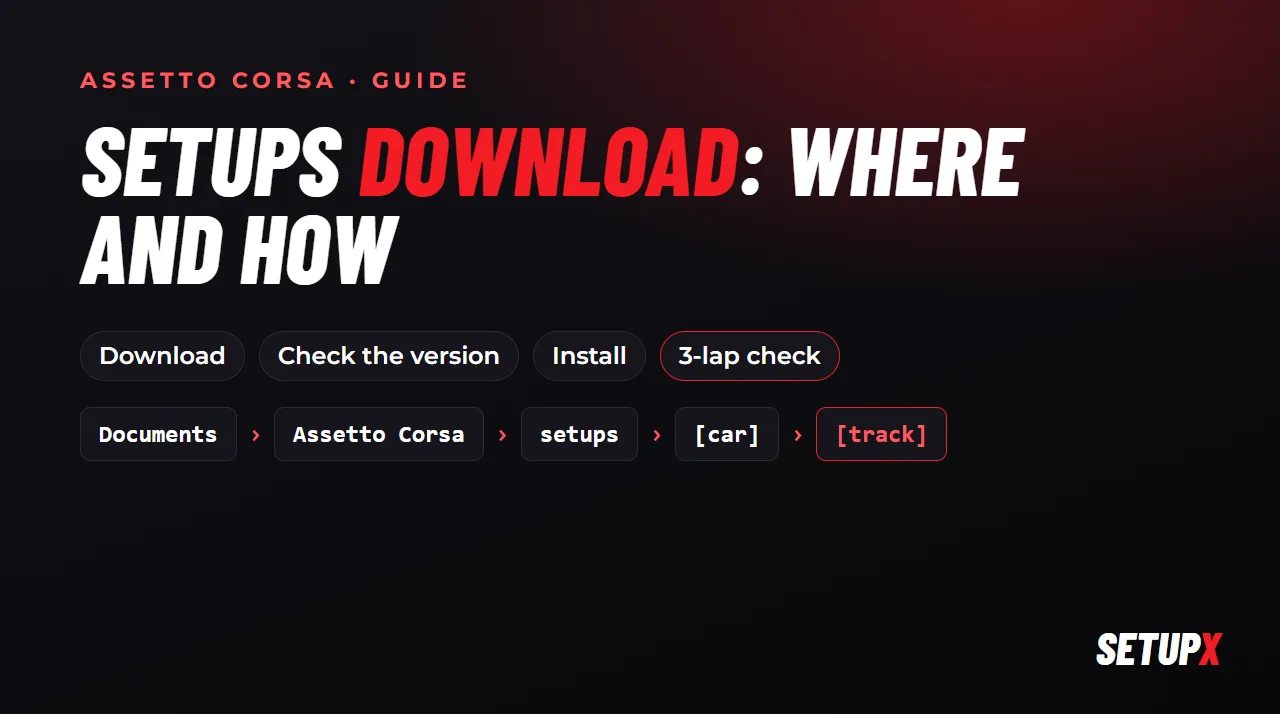
When to start worrying about the setup
Not before you have 20-30 hours of seat time at the track with the car you've chosen. Until then, the setup isn't your problem — your technique is. Once you're consistent and know the track well, an optimized setup can be worth 1-2 seconds per lap without changing anything in your driving.