GUIDE
Best Assetto Corsa Apps: the Essentials Worth Installing
Content Manager, Custom Shaders Patch, Crew Chief, SimHub and the in-game apps worth adding: what each one does, whether it's free and how to install Assetto Corsa apps.
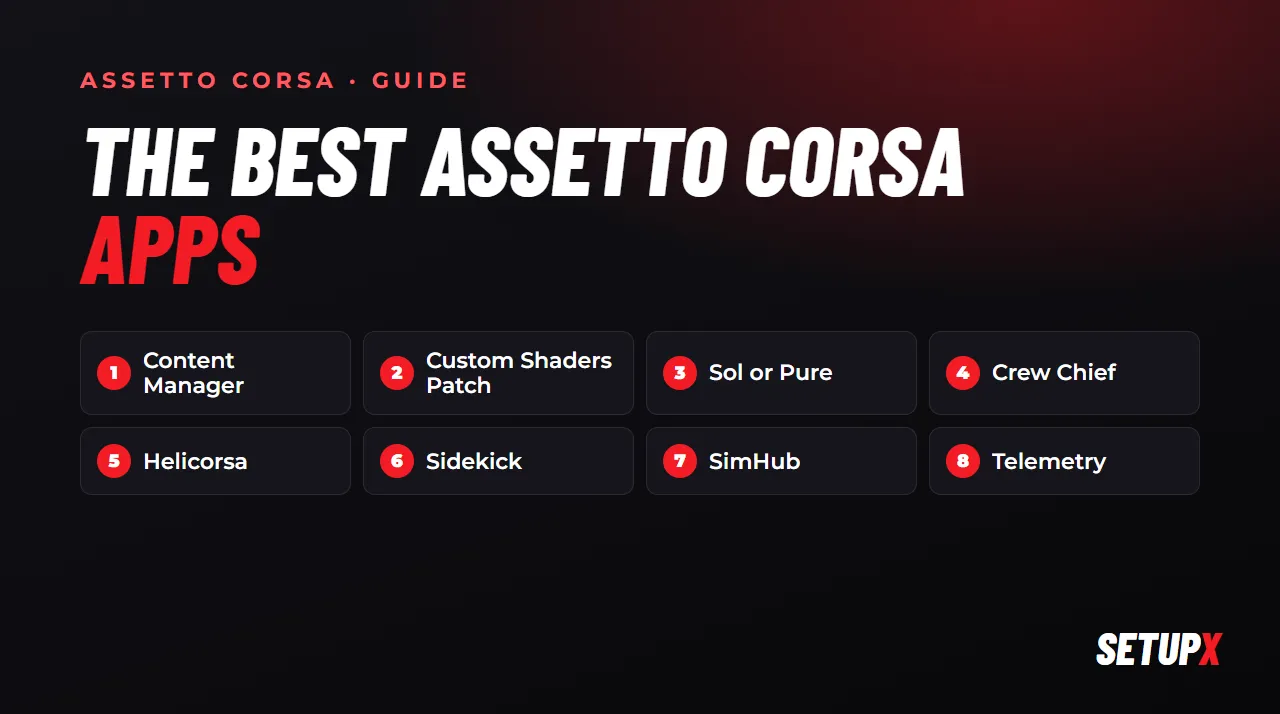
Out of the box, Assetto Corsa is great physics with a dated launcher and a handful of basic apps. What turns it into the sim people still race every night is a few community tools. These are the ones worth installing, in the order we'd install them.
1. Content Manager: the launcher you'll actually use
Content Manager replaces the original launcher. It shows your cars and tracks with previews, finds online servers with filters, installs mods when you drag the file onto the window and keeps all your settings in one place. It's also how you install and update Custom Shaders Patch.
- Price: free to use; a paid full version adds a few extras.
- Install it first: almost everything else on this list is easier with it.
2. Custom Shaders Patch: a newer engine under the hood
Custom Shaders Patch (CSP) extends the game's graphics engine: better lighting, reflections, night racing and features that many modern cars and tracks need. Quite a few recent mods don't look or work right without it. You install and update it from Content Manager's settings.
- Price: the public versions are free; the newest builds reach the author's Patreon supporters first.
3. Weather and light: Sol or Pure
With CSP installed, a weather and lighting mod changes how the whole game looks: time of day, clouds, sky and sun. Sol is free and was the reference for years; Pure is newer and sold through its author's Patreon. Pick one, not both.
4. Crew Chief: a spotter and engineer in your ear
Crew Chief is a free program that talks to you while you drive: it calls the cars alongside you and the flags, and tells you your lap times, fuel and tyre temperatures. It works with many sims, not just Assetto Corsa, and you can ask it things by voice.
5. In-game apps for racing online
These sit on screen while you drive. To install one, copy its folder into assettocorsa\apps\python (or drag the zip onto Content Manager), enable it in the launcher under Settings → General → UI Modules and open it in the game from the app bar on the right edge of the screen.
- Helicorsa: a radar showing the cars around you. In online races it saves you more contact than any setup.
- Sidekick: fuel per lap, tyre temperatures and pressures, and your lap times in one window.
- The game's own apps: don't skip them. The tyre app and the delta bar are enough to start with.
6. SimHub: a dashboard on your phone or a second screen
SimHub turns a phone, tablet or second monitor into a dashboard (gear, revs, delta, tyres) and drives shift lights, bass shakers and other hardware. It's free; a paid licence adds extras.
7. Telemetry: see where the time goes
None of the apps above tell you why a lap was slower. For that you need telemetry. We compared the options in Assetto Corsa telemetry apps compared: the in-game apps, ACTI with MoTeC i2 (free and powerful, but you have to learn to read it) and the SetupX Academy.
8. SetupX: setups that install themselves
This one is ours, so keep that in mind. The SetupX app for Windows puts a setup made for your car and track straight into the right folder (it shows up in the game with a name starting with SX), records every lap for the Academy and has a race engineer with AI that talks to you on the radio after each lap. It works with Kunos cars and with mods.
- Price: Setups from €9.99/month; Pro, with the Academy and the engineer, €14.99/month. 7 days free, no card.
The order we'd install them in
- Content Manager.
- Custom Shaders Patch, from Content Manager.
- Sol or Pure.
- Crew Chief and Helicorsa, if you race online.
- SimHub, if you have a spare phone or screen.
- A telemetry tool, once you want to find time and not just drive.