GUIDE
Assetto Corsa Telemetry Apps Compared: Which to Use and What to Look At
In-game apps, ACTI with MoTeC i2 or SetupX Academy: what each Assetto Corsa telemetry app gives you and which one suits what you're after.
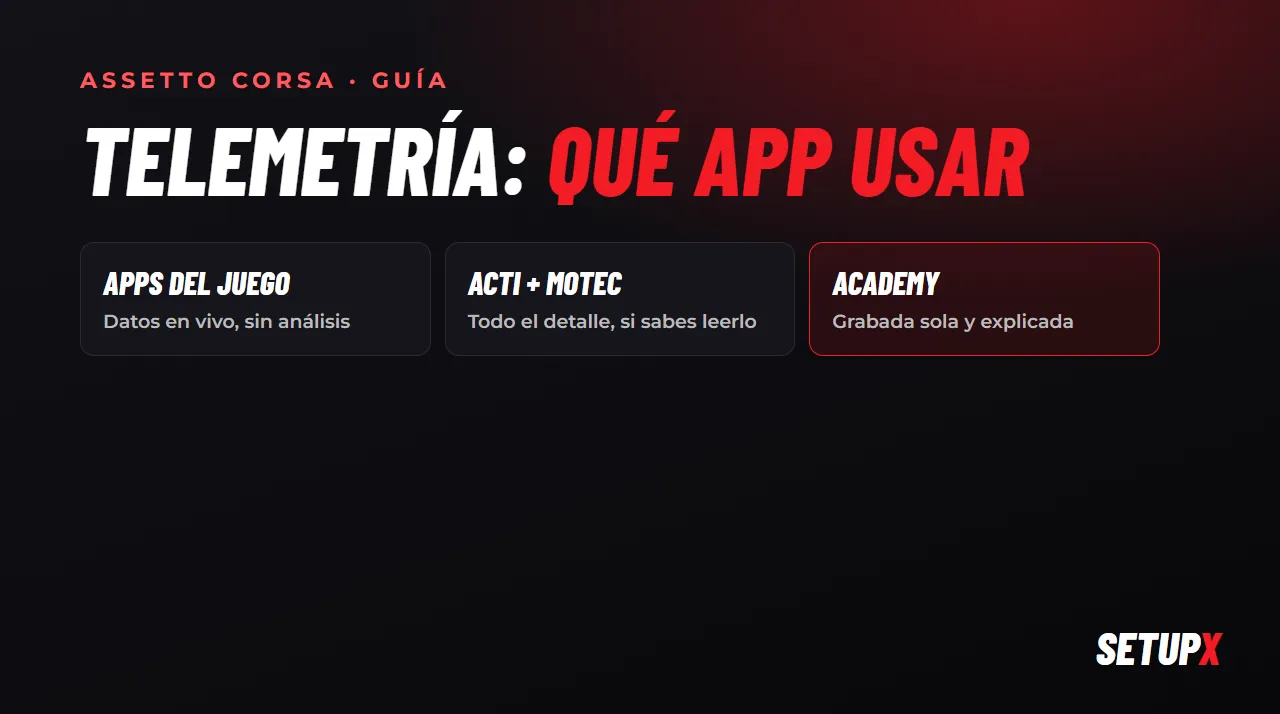
Assetto Corsa outputs all the data from every lap on its own: throttle, brake, speed, gear, steering, temperatures. The question is how to see it and, above all, how to know what to do with it. There are three routes, and each one is good for something different.
1. In-game apps
Assetto Corsa comes with built-in apps (lap times, delta, pressures, fuel consumption), and with Content Manager and Custom Shaders Patch you can add many more made by the community. You see them on screen while you drive.
- What they're for: knowing instantly whether you're ahead of or behind your reference, how your tyre pressures and temperatures are doing and how much fuel you have left.
- What they don't do: save the lap so you can analyse it later, or tell you which corner you lost the time in. They're dashboard instruments, not analysis.
2. ACTI + MoTeC i2: the professional route
ACTI (Assetto Corsa Telemetry Interface) is a free community app that records the game's data and exports it to MoTeC i2, the analysis software used by real racing teams, which you can download for free. It's the most complete option: every channel, overlaid lap comparisons, graphs of whatever you want.
- What it's for: when you want to see every detail and you already know how to read a telemetry graph.
- What it takes: installing and configuring both tools, exporting each session, opening it in MoTeC and, above all, learning to interpret it. MoTeC shows you the data; it doesn't tell you what it means or what to change.
3. SetupX Academy: recorded automatically and explained
SetupX Academy takes a different route: the Windows app records every lap in the background, with nothing to export, and the portal shows it to you already analysed. It compares your laps, highlights the corners where you're losing time and gives you a score from 0 to 100 in six categories (braking, acceleration, racing line, smoothness, gear changes and efficiency) with a tip for each one. And the AI race engineer sums up the lap for you over the radio when you finish it.
- What it's for: when you want to know what to change, not just look at graphs, and you don't want to waste time configuring anything.
- What it costs: €15/month (or included in Pro, together with custom setups). Currently only for Assetto Corsa, the original.
In short
In-game apps / ACTI + MoTeC
- Free
- In-game apps: live data, no analysis
- ACTI + MoTeC: every detail, but you have to configure, export and know how to read it
- Nobody tells you what to change
SetupX Academy
- Records automatically, nothing to configure or export
- Compares laps and highlights the corner where you lose time
- Diagnosis in 6 categories with tips
- A race engineer who talks you through it over the radio
- €15/month, 7 days free with Pro
What to look at, whatever you use
- Your braking point and how you release the brake, compared with your best lap.
- Minimum speed in each corner (the apex): that's where the next straight is decided.
- When you get back on the throttle and whether you do it abruptly or progressively.
- Steering corrections mid-corner: the fewer, the better.
If you want to learn to read the graphs yourself, start with how to analyse your telemetry in Assetto Corsa and braking telemetry.