GUIDE
Assetto Corsa Setups Download: Where to Find Them and How to Install Them
Where to download Assetto Corsa setups for free, why a downloaded setup sometimes feels wrong or doesn't load, and how to install it in the right folder.
Downloading someone else's setup is the quickest way to stop fighting the car. It works when the setup was made for the same car, the same version of that car and a similar track. When one of those doesn't match, it can leave you slower than the default setup. Here's where to find them and how to tell if one is worth using.
Where to download Assetto Corsa setups
- OverTake.gg (formerly RaceDepartment): the biggest library of free community setups, sorted by car. Check the comments and the date: a setup from years ago may be for an older version of the car.
- The mod itself: many car mods ship with one or more setups inside the car's folder. Kunos cars come with a default setup that is safe but slow.
- League and community Discords: if you race in a league, ask there. Setups shared for the same server and the same track are usually the most useful.
- Setup services: paid setups made by someone else. Many focus on ACC, iRacing or Le Mans Ultimate rather than the original Assetto Corsa, so check that your car is covered, especially if it's a mod.
Why a downloaded setup can feel wrong
A setup is a small .ini file full of numbers. The game reads them exactly as they are, so a setup only works when it matches what's on your PC:
- A different version of the car. Mods get updated and their ranges change. If a value is outside your version's range, the game cuts it to the limit and the balance the author found is gone. This is the most common problem with mod setups.
- Steps and units. Some mods count settings in clicks and others in real values. The same number can be a soft spring in one version and a stiff one in another.
- Another track or another use. A qualifying setup for Monza, with little wing and little fuel, is a bad starting point for a race at Spa.
- Fuel and tyres. The setup stores the fuel load and the compound. Check both before a race: a setup made for a 10-minute qualifying run may not carry enough fuel.
How to install a downloaded setup
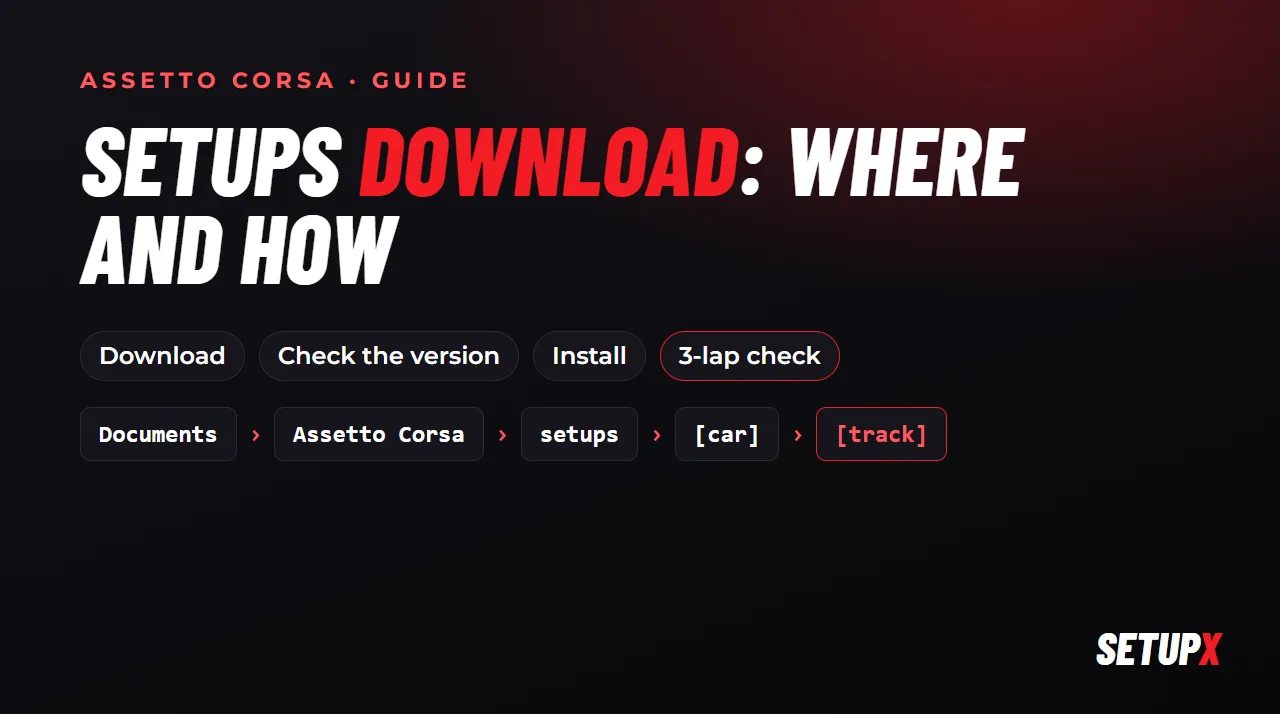
Copy the .ini file into Documents\Assetto Corsa\setups\[car]\[track]\, using the internal folder names of the car and the track. If you want it at every track, put it in a folder called generic inside the car's folder. Then, in the pits, open the setup screen and load it.
If it doesn't show up, check whether your Documents folder is on OneDrive. The full guide, with the usual problems, is in where Assetto Corsa setups are saved.
Before you trust it: the 3-lap check
- Load it and save it under a new name so you can always go back.
- Drive 3 laps and compare with the default setup: the same lap time with less effort is already a win.
- If the car does something you can't drive around (snaps on entry, won't turn), go back. A setup that suits someone else's style may not suit yours.
Or get one made for your car
SetupX makes setups for your exact car and track, mods included, using the ranges of the version you have installed, and the app drops them into the right folder by itself. You can ask for changes in your own words ("more fuel", "less understeer in slow corners").